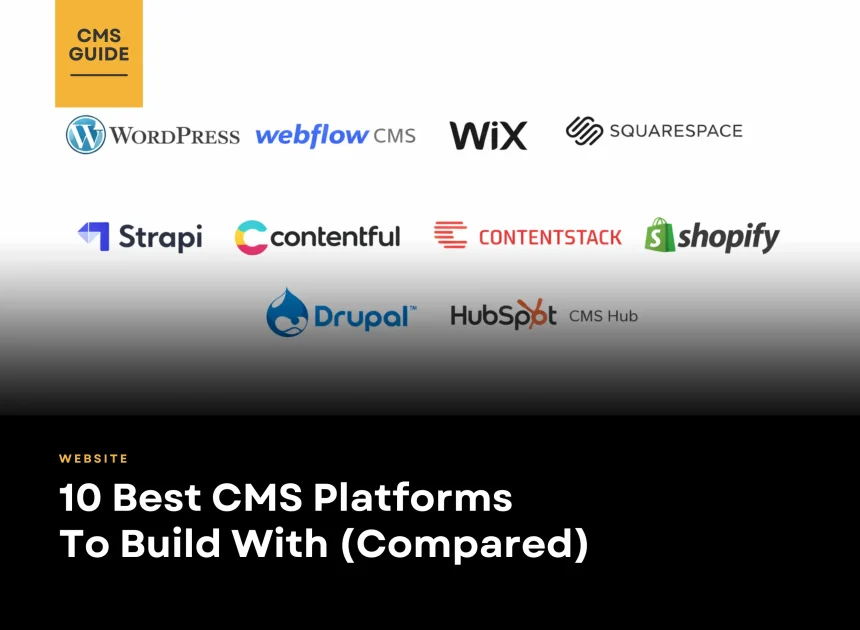
The best CMS in 2026 depends on your website type, editing workflow, and growth needs. For most businesses, WordPress is the most flexible all-rounder. If you need a design-first marketing site, Webflow CMS is a top pick, while Wix and Squarespace are great for fast, low-maintenance launches. For eCommerce, Shopify is the easiest all-in-one platform. For modern headless builds, Strapi, Contentful, and Contentstack offer API-first content delivery. For complex enterprise sites, Drupal excels, and HubSpot CMS Hub is best when you want CMS + CRM + marketing automation in one system.
Table of Contents
Finding the Best CMS in 2026
Choosing the right Content Management System (CMS) is essential to the long-term success of your website. This CMS comparison is designed to help you navigate the available options and identify the platform that best fits your business needs. We’ll break down the top 10 CMS platforms, outlining their key strengths and limitations, so you can make a confident, well-informed decision. The right CMS makes it easier to manage content efficiently and directly influences your website’s design flexibility, SEO performance, and scalability. This guide covers WordPress, Webflow CMS, Wix, Squarespace, Shopify, Strapi, Contentful, ContentStack, Drupal and HubSpot CMS Hub.

1. WordPress
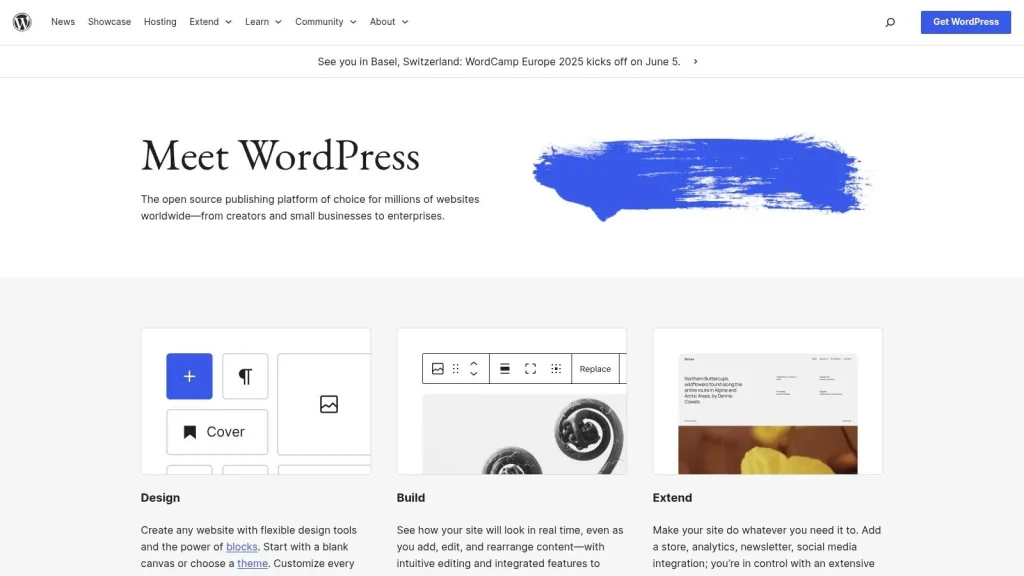
WordPress powers more than 43% of websites worldwide, making it the most widely adopted content management system today. It’s a popular choice for blogs, content-driven platforms, and scalable business websites—especially when usability, flexibility, and strong community support are top priorities.
Key Features
- Vast plugin ecosystem with over 59,000 plugins covering e-commerce, SEO, security, performance, and more
- Extensive theme marketplace for full control over site design and branding
- Gutenberg block editor enables visual, modular page building without writing code
- REST API support allows WordPress to function as a headless CMS with frameworks like React or Vue
- Large global community and comprehensive documentation suitable for beginners and advanced users alike
Why Choose WordPress
WordPress is highly accessible, allowing non-technical users to manage content with ease while giving developers the flexibility to extend functionality through custom themes and plugins. Although it isn’t natively built as a headless CMS, it can be adapted for headless use with the right configuration, making it a versatile option for many project types.
Related Articles: WordPress Website Guide: Definition, Types, Design & Cost
2. Webflow CMS
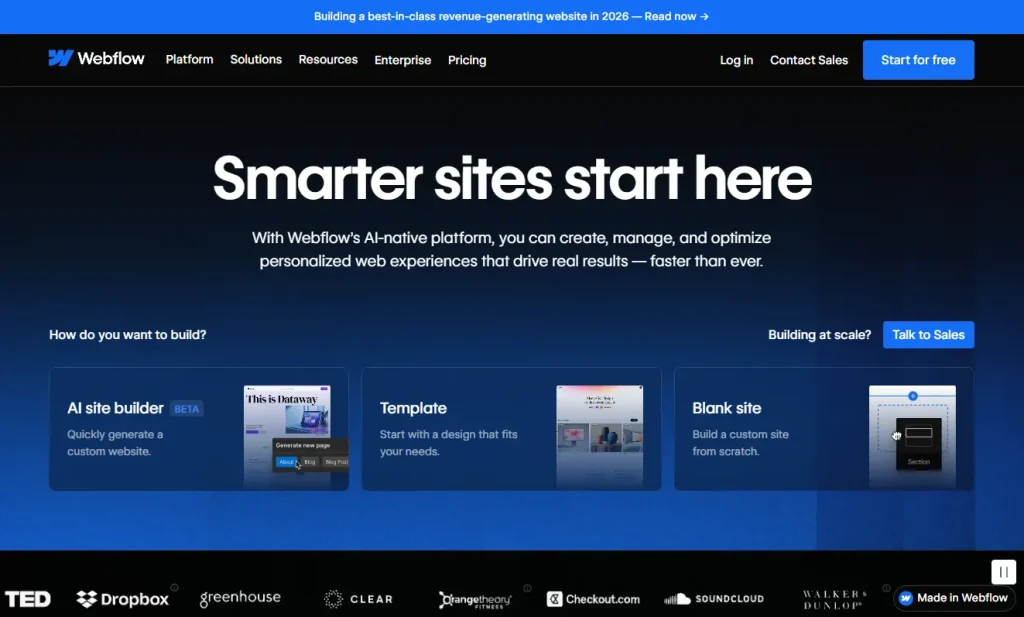
Webflow CMS is a visual, no-code content management system built for marketing and design teams creating content-driven websites. It gives non-developers full control over content structure and page design, without writing code or relying on engineering support.
Key Features
- Visual editor for designing and managing dynamic content in a fully visual interface
- CMS Collections for structuring content such as blog posts, case studies, and product pages
- Responsive design tools that enable pixel-perfect layouts across all screen sizes
- Clean, semantic code output for fast-loading, SEO-friendly websites
- No-code publishing workflow that allows teams to update and launch content independently
Why Choose Webflow CMS
Webflow CMS is ideal for teams that value strong brand control, visual storytelling, and rapid publishing. It excels for marketing websites, landing pages, and editorial platforms, but is not designed for complex web applications.
If your design team wants complete ownership over layout and content without developer dependency, Webflow is a powerful choice.
3. Wix
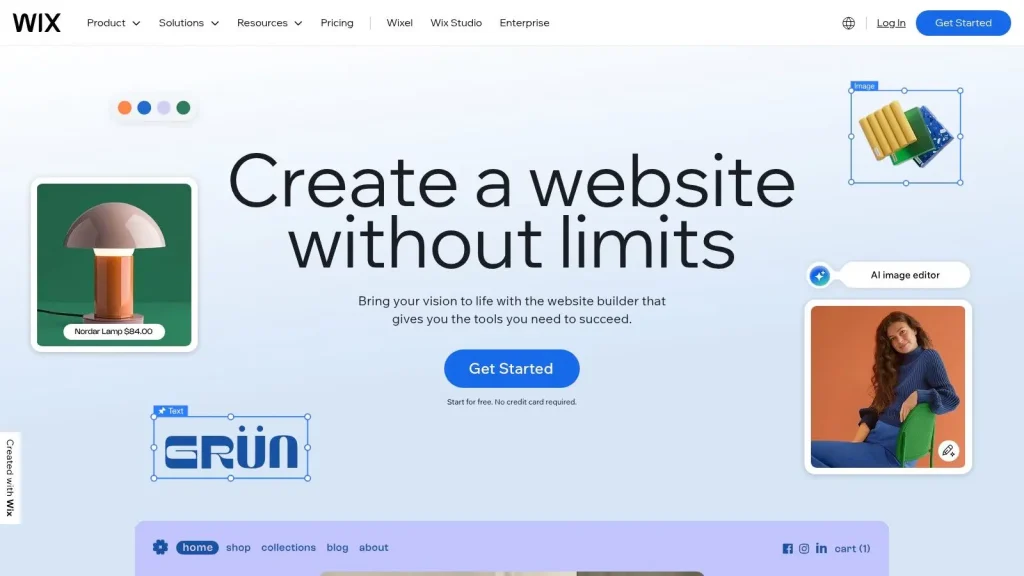
Wix is a cloud based CMS and website builder known for its simplicity and strong visual appeal. It is designed for small businesses, entrepreneurs, and individuals who want to create a professional looking website quickly without technical complexity.
Key Features
- True drag and drop editor for building pages without coding.
- Large library of professionally designed templates for various industries.
- Built in SEO tools to support basic search engine optimization.
- App market for adding features such as forms, live chat, and integrations.
- AI powered Wix ADI to generate websites based on user inputs.
Why Choose Wix
Wix is ideal for users who prioritize ease of use, speed, and visual design over deep customization. It works well for small business websites, portfolios, landing pages, and quick marketing sites.
If you want a simple and visually rich website without managing technical details, Wix is a practical choice.
4. Squarespace
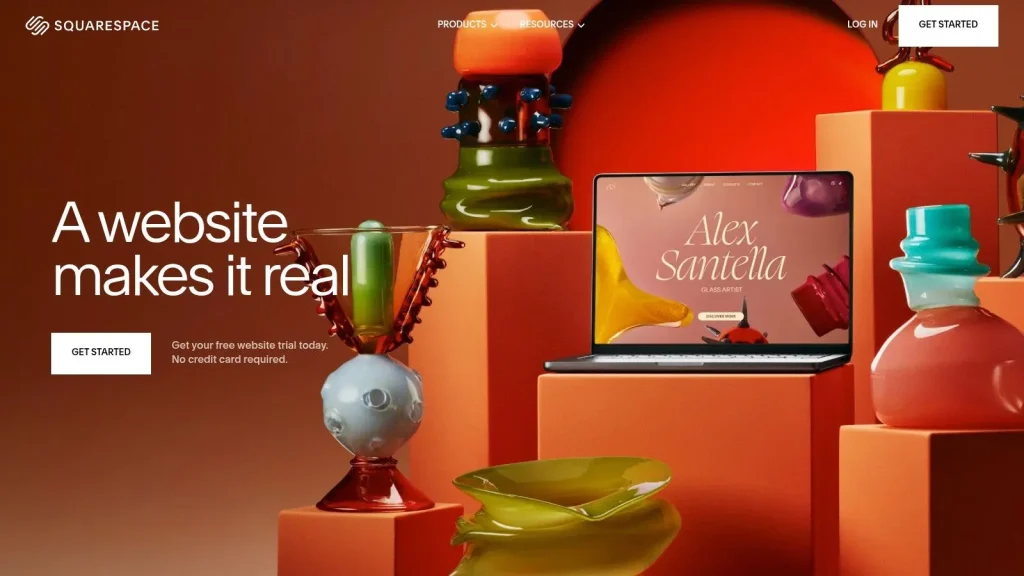
Squarespace is an all in one hosted CMS focused on clean design and ease of use. It is popular among individuals and small businesses that want to build visually polished websites without managing technical infrastructure.
Key Features
- Professionally designed templates with strong visual consistency.
- Built in content management for pages, blogs, and basic e commerce.
- Fully managed hosting, security, and platform updates.
- Responsive layouts optimized for desktop and mobile devices.
- Built in analytics and basic SEO tools for performance tracking.
Why Choose Squarespace
Squarespace is ideal for users who value design quality and simplicity over deep customization. It works well for portfolios, blogs, brand websites, and small online stores.
If visual presentation and low maintenance are your top priorities, Squarespace is a reliable choice.
5. Shopify
Shopify is a leading e commerce focused CMS designed to help businesses build and scale online stores with minimal technical effort. As a fully hosted platform, it handles hosting, security, and performance, allowing teams to focus on selling and growth rather than infrastructure.
Key Features
- All in one e commerce system for products, orders, inventory, and payments.
- Fully managed hosting with built in security and performance optimization.
- Customizable and mobile responsive themes for branded storefronts.
- Large app ecosystem for marketing, analytics, logistics, and integrations.
- Built in analytics to track sales performance and customer behavior.
Why Choose Shopify
Shopify is ideal for businesses whose primary goal is online selling rather than complex content management. It works well for entrepreneurs, small and medium businesses, and growing brands that want speed, reliability, and scalability.
If your focus is launching and managing an online store efficiently, Shopify is a proven choice.

6. Strapi
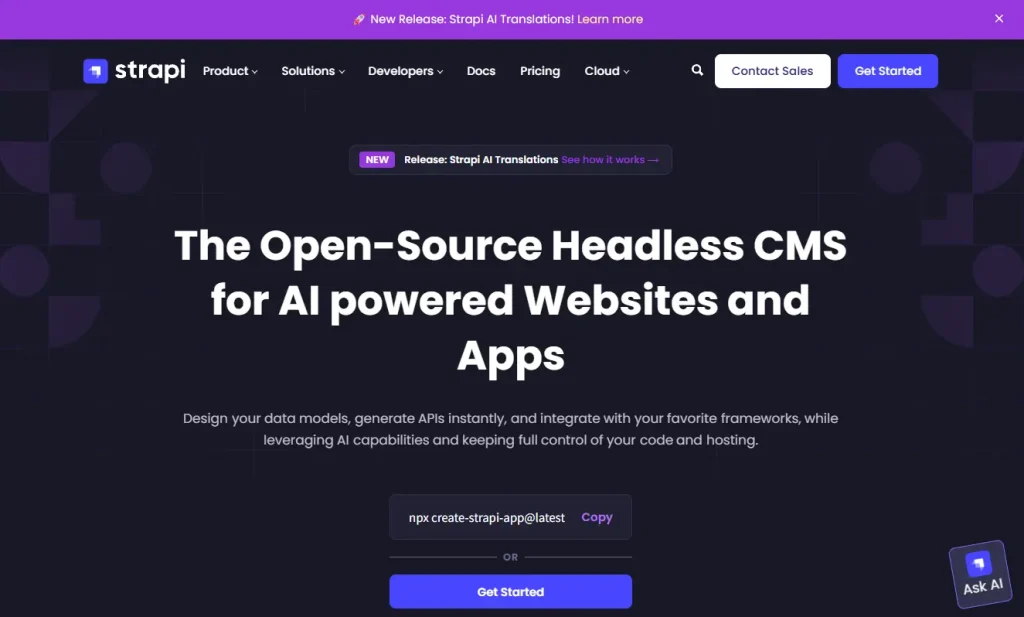
Strapi is an open source headless CMS designed for teams that need flexibility and modern API driven content management. Built on Node.js, it allows developers to structure content freely while giving editors a clean and intuitive publishing interface.
Key Features
- API first architecture with built in REST and GraphQL support.
- Custom content types and relationships managed through a visual admin panel.
- Flexible integration with modern frontend frameworks such as React, Vue, and Next.js.
- Open source and self hostable, with optional managed hosting via Strapi Cloud.
- Scalable setup suitable for both startups and growing teams.
Why Choose Strapi
Strapi is ideal for teams that want full control over their tech stack without the constraints of traditional CMS platforms. It works especially well for headless websites, custom frontends, and API driven projects.
If flexibility and developer freedom are priorities, Strapi is a strong choice.
7. Contentful
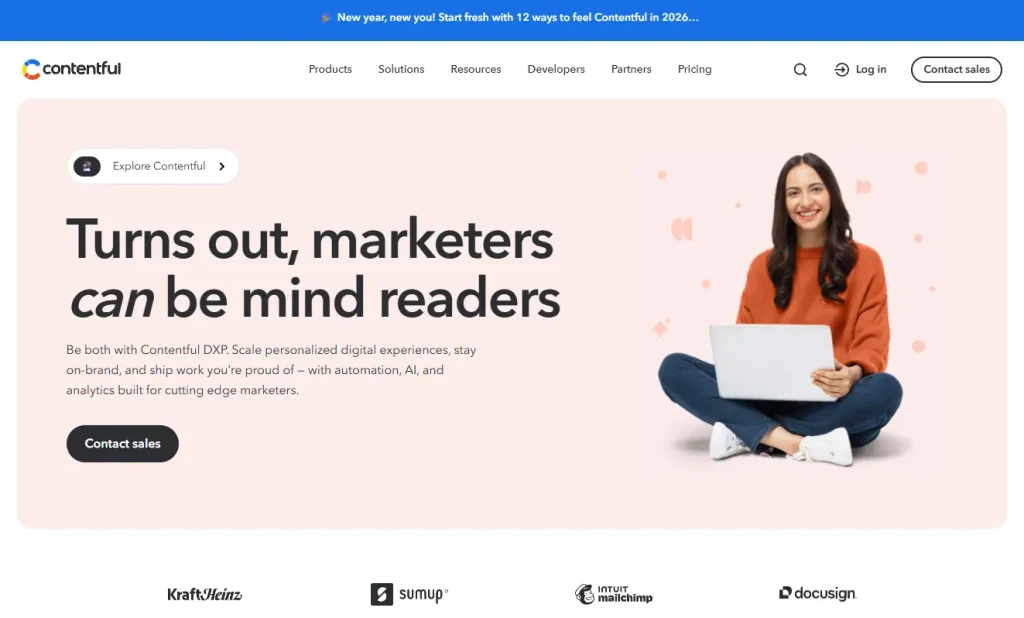
Contentful is an enterprise focused headless CMS designed for scalable, multi channel content delivery. Its API first architecture and structured content model make it suitable for organizations managing content across websites, apps, and digital platforms.
Key Features
- Structured content modeling for reusable and consistent content types.
- API first platform with REST and GraphQL support for flexible integrations.
- Built in localization tools for managing content across regions and languages.
- Customizable authoring experience through apps and extensions.
- Scalable infrastructure designed for high performance and global delivery.
Why Choose Contentful
Contentful is ideal for teams that manage content at scale and require strong structure and consistency across multiple channels. It is best suited for enterprises and fast growing organizations with complex workflows.
If your business prioritizes scalability and multi channel delivery, Contentful is a reliable choice.
8. ContentStack
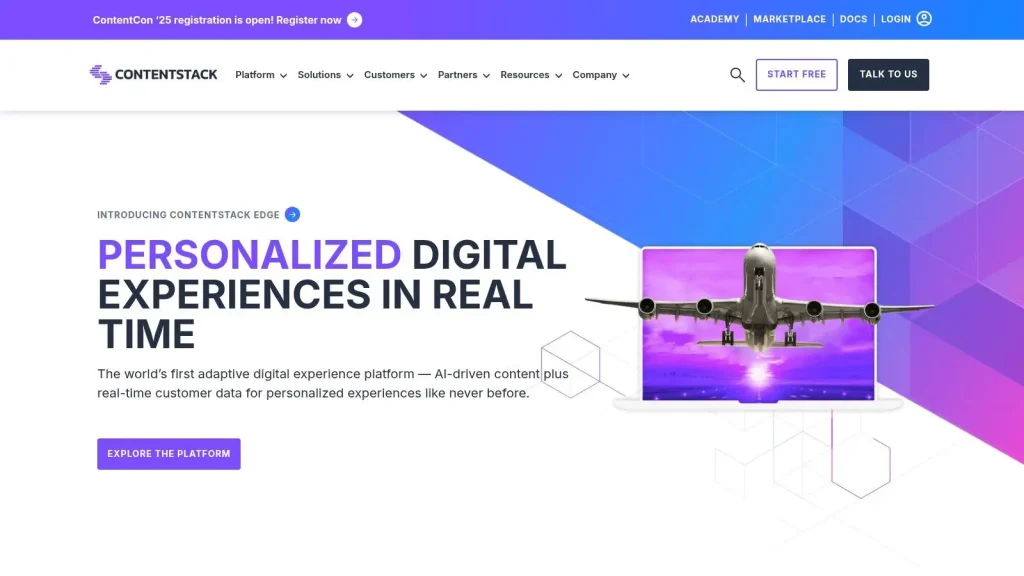
Contentstack is an enterprise focused headless CMS built for organizations that manage content across multiple platforms and channels. Its API first architecture separates content from presentation, enabling teams to deliver consistent experiences across websites, apps, and digital touchpoints.
Key Features
- API first headless architecture for omnichannel content delivery.
- Structured content modeling for reusable and consistent content types.
- Advanced workflows and permissions for large editorial teams.
- Built in version control and content staging for safer publishing.
- Enterprise grade security and scalability for complex environments.
Why Choose Contentstack
Contentstack is ideal for large organizations with complex content operations and multi channel delivery needs. It works best for enterprises that require strong governance, scalability, and structured content management.
If your business needs an enterprise ready headless CMS for delivering content at scale, Contentstack is a strong choice.
9. Drupal
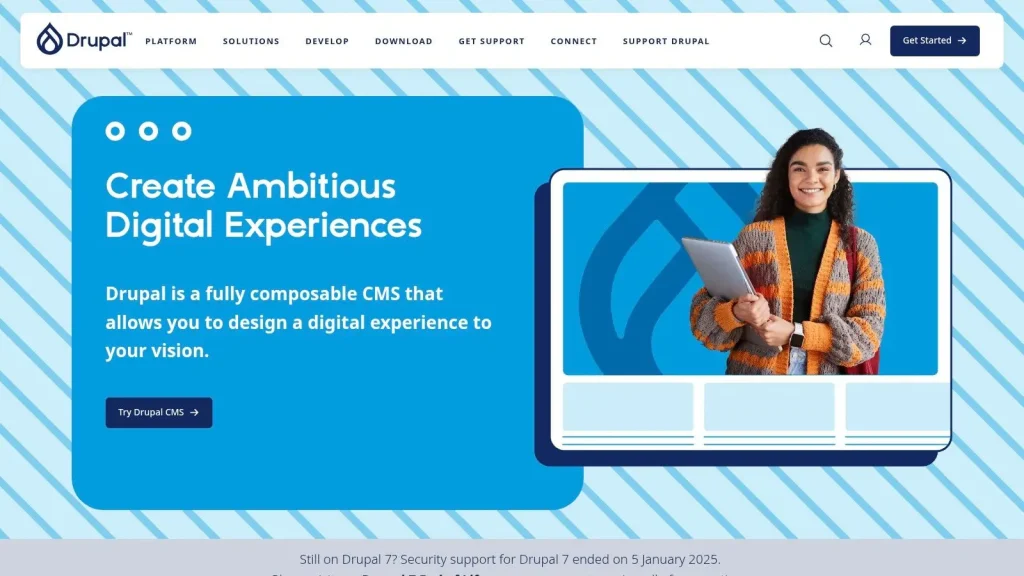
Drupal is a powerful open source CMS built for large and complex websites that require advanced content structure, high security, and scalability. It is commonly used by government agencies, universities, and enterprises managing content at scale.
Key Features
- Advanced content modeling with custom content types and fields.
- Robust taxonomy system for structured content organization.
- Enterprise level security with granular user roles and permissions.
- Built in multilingual capabilities for global websites.
- RESTful API support for headless and decoupled architectures.
Why Choose Drupal
Drupal is ideal for organizations that need strong control over content structure, access management, and security. It works best for large scale, content heavy websites with complex requirements.
If your project demands flexibility, governance, and enterprise grade security, Drupal is a reliable choice.
10. HubSpot CMS Hub
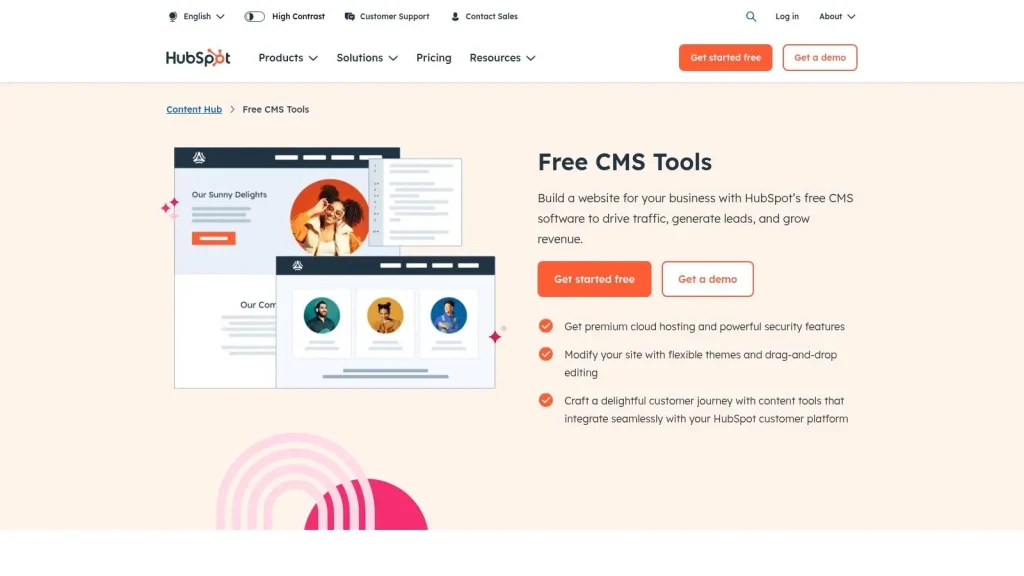
HubSpot CMS Hub is a cloud based CMS built specifically for marketing driven websites. It is designed to support inbound marketing by tightly integrating content management with CRM, email marketing, and analytics tools.
Key Features
- Native integration with HubSpot CRM for lead and customer management.
- Drag and drop editor for creating pages without technical knowledge.
- Personalization tools for delivering targeted content experiences.
- Built in analytics, SEO guidance, and conversion tracking.
- Fully managed hosting with security and performance optimization.
Why Choose HubSpot CMS Hub
HubSpot CMS Hub is ideal for businesses that prioritize lead generation and marketing automation over deep design customization. It works best for marketing websites, landing pages, and inbound focused campaigns.
If your team relies on data driven marketing and wants everything in one platform, HubSpot CMS Hub is a strong choice.
CMS Platform Comparison
| CMS Platform | Best For | Why Choose It |
| WordPress | Bloggers, SMEs, flexible sites | Block editor, 59k+ plugins, SEO-friendly |
| Webflow CMS | Marketing sites, landing pages | Full visual design control without coding |
| Wix | Small biz, portfolios | Drag-and-drop editor, AI site creation |
| Squarespace | Portfolio, small biz, blogs | Award-winning design templates, analytics |
| Shopify | E-commerce SMBs | All-in-one e-commerce, integrated payments |
| Strapi | Developers, custom apps | Open-source headless, REST & GraphQL |
| Contentful | Enterprise, digital teams | API-first, content modeling, SDKs |
| Contentstack | Large orgs, omnichannel | Headless CMS, API-first, workflows |
| Drupal | Large, complex sites, enterprises | Advanced content modeling, enterprise security |
| HubSpot CMS Hub | Marketing sites, SMBs | Drag-drop, A/B testing, CRM integration |
How to Choose the Best CMS for Your Team
Choosing the best CMS depends on how your team works, how you manage content, and how much technical control you need. Instead of comparing features alone, focus on the platform that best supports your workflow.
- Traditional vs. headless CMS: Traditional CMS platforms handle content and presentation together. Headless CMS platforms separate them, offering more flexibility across channels.
- Hosted vs. self hosted: Hosted CMS platforms manage infrastructure for you. Self hosted options offer more control but require ongoing maintenance.
- Low code vs. developer first: Low code platforms are easier for non technical users. Developer first CMS platforms provide APIs and customization for complex projects.
Start Your WordPress Website Today!
Conclusion
This CMS comparison has reviewed ten popular platforms, including flexible solutions like WordPress and Drupal, e commerce focused platforms such as Shopify, Wix, and Squarespace, and modern headless CMS options such as Contentstack, Strapi, Contentful, and HubSpot CMS Hub. Each platform addresses different use cases, technical requirements, and levels of complexity, making it important to choose based on your business goals and project needs.
Choosing the best CMS is a strategic decision that directly affects website performance, scalability, and long term maintainability. Making an informed choice early helps reduce future technical challenges and supports sustainable growth. If you need expert guidance in evaluating or implementing the right CMS, Duplex Ventures provides professional website development and management services to help businesses build reliable, high performing digital platforms.
Frequently Asked Questions
What is the best CMS overall in 2026?
For most businesses, WordPress is the best CMS overall because it balances flexibility, SEO, and long-term scalability, especially for content marketing and lead generation.
Which CMS is best for a modern marketing website?
Webflow CMS is a top choice for marketing sites in 2026 because it gives you strong design control with structured content collections.
Which CMS is best for eCommerce?
Shopify is the best CMS-style platform for eCommerce because it’s built around checkout, products, payments, and operations.
Which CMS is best for headless builds?
If you want API-first content delivery, Strapi (open-source) is great for control, while Contentful and Contentstack are strong for enterprise workflows and governance.
Visit our page if you need more details.
Also Read:
- What Is a Content Management System (CMS)? 2026
- WordPress Website Guide: Definition, Types, Design & Cost
- WordPress Website Development vs Static HTML
- 10 Best E-Commerce CMS Platforms to Boost Your Sales (2026)
Stay Connected: Website | Facebook | Instagram | TikTok | Lemon8 | Xiaohongshu
Share This Article: